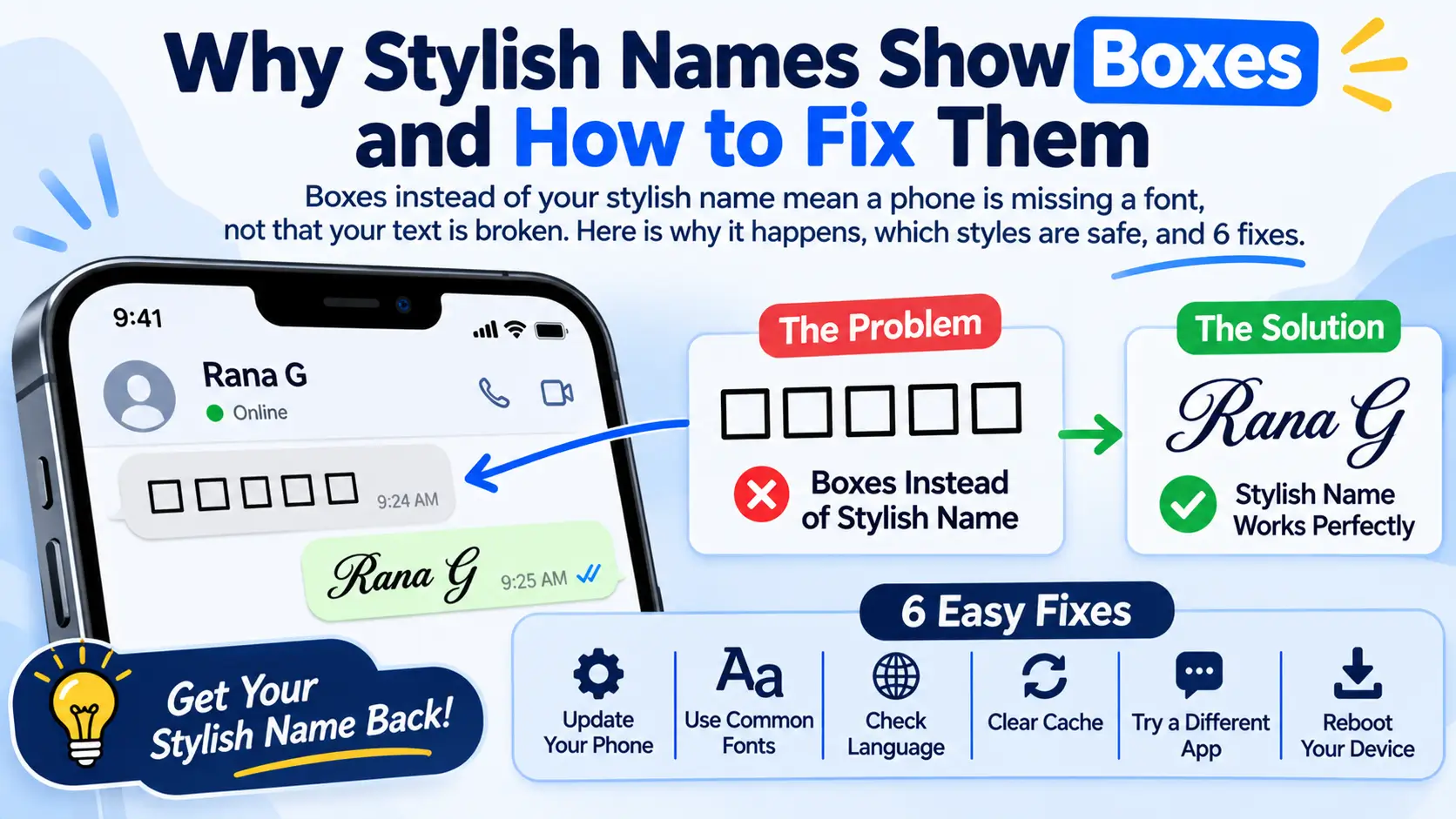
When a stylish name shows as empty boxes like ▯▯▯▯, your text is not broken. The phone or app showing it does not have a font that can draw those characters, so it draws a box instead. Designers call these boxes “tofu”, because they look like little blocks of tofu.
The good news: you can almost always fix it by choosing a more common style or symbol. This guide explains why it happens, which styles are safest, and how to test a name before you use it.
Why does my stylish name show boxes?
Stylish names are made of special Unicode characters, not a font. Every character must be drawn by a font on the device that shows it. If none of that device’s fonts contains the character, it falls back to an empty box.
Google even named its giant font family “Noto” after the phrase “no tofu”, because its goal was to give every character a shape (Wikipedia). Even so, no phone has a font for every character, and Unicode now holds more than 170,000 of them.
Why can I see my name but my friend sees boxes?
Because the boxes are drawn by the viewer’s device, not yours. Your new phone may have fonts for 𓆩 or 🪔, while a friend’s older phone does not. The name you sent is correct; their phone just cannot draw it. That is why a name can look perfect to you and broken to someone else.
What do the different boxes and symbols mean?
Not every strange shape means the same thing.
| What you see | Name | What it means |
|---|---|---|
| ▯ or □ empty box | Tofu, missing glyph | The character is fine; the device has no font for it |
| Box with letters or numbers inside | Missing glyph with its code | Same as tofu; the digits are the character’s Unicode number |
| � diamond with a question mark | Replacement character | The text was damaged while copying or saving, not just undrawable |
| Several boxes where one emoji should be | Unsupported emoji sequence | The emoji is built from several parts the phone does not know yet |
| Plain ? marks | Text converted badly | Often caused by an app or website that does not support Unicode |
If you see the diamond with a question mark, copy the name again from the source; the others are about fonts.
Which styles and symbols are safest?
Common styles work on almost every phone made in the last several years. Rare symbols and new emoji are the usual cause of boxes.
| Safety | Styles and symbols | Why |
|---|---|---|
| Very safe | Bold, Sans Bold, Bold Script, Script, Double Struck, Small Caps, ★ ♥ ♛ ✿ ∞ 『 』 【 】 | Included in standard phone fonts |
| Usually safe, test first | Gothic, Bubble, Square, Wide, Tiny, ꧁ ꧂ ༺ ༻ 亗 彡 ツ | Need extra fonts that most modern phones include |
| Riskier on older phones | 𓆩 𓆪, ᯓ, ꨄ, 𖦹, ᭄, Glitch text, new emoji such as 🪔 | Rare scripts, stacked marks, or emoji added in recent years |
On our name font style generator, the first results are deliberately the safest styles. Rare symbols are kept further down the list for that reason.
How do I fix boxes in my stylish name?
- Pick a more common style. Switch to Bold Script, Bold or Double Struck on the stylish font tool. These work almost everywhere.
- Swap the symbol. If only the decoration breaks, replace a rare symbol such as 𓆩 with a common one such as ♡.
- Test in a chat first. Paste the name into a chat with yourself, or with a friend who has an older phone, before you change your profile.
- Update your phone and apps. System updates add new fonts and emoji, which fixes boxes you see on your own device.
- Avoid stacked effects. Glitch text piles several marks on each letter; some apps cannot draw them and show boxes or messy lines.
- Copy again if you see �. The diamond means the text was damaged in copying, so copy it fresh from the source.
Why do names show boxes in Free Fire or BGMI?
Games use their own built-in fonts, which contain far fewer characters than your phone. A style that looks perfect in WhatsApp can turn into boxes in a game. Text symbols such as 亗 and ♛ are more likely to work than emoji, which Free Fire rejects. Always paste the name into the game’s chat before you spend a rename, and see our step-by-step guide to changing your name style for each app.
Why does my Hindi or Marathi name show boxes?
This is rare today, because every modern Android phone, iPhone and computer has Devanagari fonts. It usually means a very old device, or an app or game with a limited built-in font. If you want your Hindi name in a special font that everyone sees the same way, save it as a picture on our Hindi font style generator instead of sending text.
Frequently asked questions
Does a box mean my name is broken?
No. The name is correct; the device showing it lacks a font for that character. On a newer phone it shows properly.
Why do boxes appear only on some phones?
Each phone has a different set of fonts. Older phones and some brands include fewer characters, so rare styles break there first.
Which stylish font never shows boxes?
None is guaranteed everywhere, but Bold, Sans Bold, Bold Script and Double Struck work on almost every modern phone.
Why does Free Fire show boxes in my name?
Games use their own fonts with fewer characters. Use common styles and text symbols, and test in the game chat before renaming.
Can I fix boxes on someone else’s phone?
Not directly. Choose a safer style or symbol so their phone can draw it, or send your name as a picture.