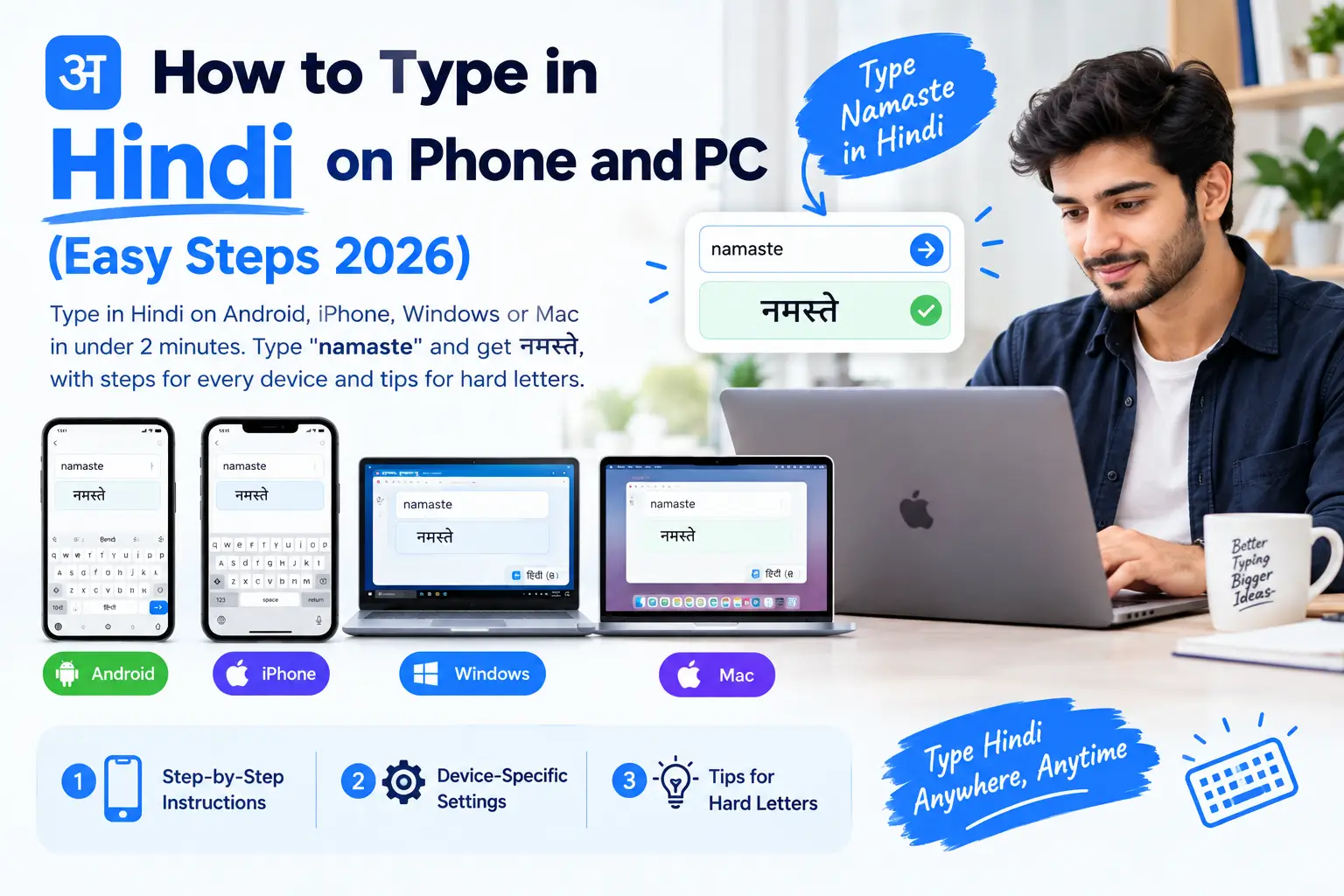
You do not need to learn a new keyboard to type in Hindi. Turn on a free “phonetic” keyboard, type the word the way it sounds in English letters, such as namaste, and it becomes नमस्ते. Every Android phone, iPhone, Windows PC and Mac already has one built in.
This guide shows the exact steps for each device, which keyboard to choose, and how to type the tricky letters that trip most people up.
What is the easiest way to type in Hindi?
The easiest way is a phonetic (transliteration) keyboard. You type Hindi words in English letters and the keyboard turns them into Devanagari as you go. It suits anyone who already chats in Hinglish, because you type exactly the way you text.
| Device | Keyboard to add | Time to set up |
|---|---|---|
| Android phone | Gboard, Hindi with English-letter typing | About 1 minute |
| iPhone | Hindi, Transliteration | About 1 minute |
| Windows 10 or 11 | Hindi Phonetic | About 2 minutes |
| Mac | Hindi, Transliteration | About 1 minute |
If you only need to write your name in Hindi once, you can skip the setup. Type it in English on our Hindi font style generator and pick the right Hindi spelling.
How do I type in Hindi on an Android phone?
Use Gboard, the Google keyboard that comes on most Android phones. Adding Hindi takes about a minute and works in WhatsApp, Instagram and every other app.
- Open any app where you can type and tap the text box so the keyboard opens.
- Tap the settings (gear) icon on the keyboard, then Languages.
- Tap Add keyboard, search for Hindi and select it.
- Choose the layout that lets you type with English letters, then tap Done.
- Back in your chat, tap the globe icon or hold the space bar to switch between English and Hindi.
Now type mera naam rahul hai and Gboard suggests मेरा नाम राहुल है. If a word comes out wrong, tap the right one in the suggestion strip above the keys.
Gboard also understands Hindi voice typing. Tap the microphone, speak in Hindi, and it writes the words for you, which is the fastest option for long messages.
How do I type in Hindi on an iPhone?
The iPhone has a Hindi transliteration keyboard built in, so you do not need any app.
- Open Settings, then General, then Keyboard.
- Tap Keyboards, then Add New Keyboard.
- Choose Hindi, then select Transliteration and tap Done.
- In any app, tap the globe icon to switch to the Hindi keyboard.
Type dhanyavaad and the keyboard shows धन्यवाद. If you prefer the real Hindi letters on the keys, add the Devanagari layout as well and switch between the two.
How do I type in Hindi on Windows 10 or 11?
Windows includes a free Hindi Phonetic keyboard. Microsoft’s own guide shows it turning the English letters “bagicha” into बगीचा as you type, and it works in Word, Chrome and every other program (Microsoft Learn).
- Press Windows + I to open Settings.
- Go to Time & language, then Language & region.
- Click Add a language, search for Hindi, select it and install it.
- Click the three dots next to Hindi, choose Language options, then Add a keyboard and pick Hindi Phonetic.
- Press Windows + Space to switch between English and Hindi.
Windows adds a keyboard called Hindi Traditional by default. That one follows the old typewriter layout, so remove it if you only want to type by sound.
How do I type in Hindi on a Mac?
macOS has a Hindi transliteration input built in.
- Open System Settings, then Keyboard.
- Under Text Input, click Edit next to Input Sources.
- Click the + button, search for Hindi, choose Hindi – Transliteration and click Add.
- Press Control + Space to switch between English and Hindi.
Which Hindi keyboard should I choose?
Choose phonetic if you want results today, InScript if you will type Hindi every day for years, and avoid Kruti Dev unless an office or exam demands it.
| Keyboard | How it works | Best for |
|---|---|---|
| Phonetic (transliteration) | Type the sound in English letters | Almost everyone, especially on phones |
| InScript | Each key is a fixed Hindi letter; the official Indian standard | People who type Hindi daily and want speed |
| Kruti Dev | An old font that puts Hindi shapes on English keys | Only older offices and typing exams that still ask for it |
Kruti Dev text is not real Hindi text. It turns into random English letters on any phone or computer that does not have the Kruti Dev font, which is why phonetic and InScript keyboards, which produce real Unicode Hindi, are the better choice. If you are asked to submit work in Kruti Dev, type in Unicode and convert it with a Unicode to Kruti Dev converter, a free tool from the same team as this site.
How do I type difficult Hindi letters?
Phonetic keyboards guess from the sounds you type, so a few patterns help them guess right. Each keyboard works slightly differently, so if a suggestion is wrong, tap the correct word in the suggestion bar.
| To get | Try typing | Example |
|---|---|---|
| Long आ | aa | raam for राम |
| Long ई | ee or ii | deepak for दीपक |
| Long ऊ | oo or uu | pooja for पूजा |
| Half letters (conjuncts) | consonants together | krishna for कृष्णा, shri for श्री |
| ॐ | om | om for ॐ, on many keyboards |
When a name has more than one common spelling, such as करण and करन, the keyboard shows both. Choose the one your family uses.
How can I write my name in Hindi without a Hindi keyboard?
Use a name tool. On our Hindi font style generator, type your name in English, such as Priya Sharma, and pick the correct spelling from the suggestions. More than 190 common Indian first names and surnames are spelled from a built-in list, and you can then see your name in 40 free Hindi fonts and save it as a picture. If you write in Marathi, use the Marathi version, which knows names like Patil and Chavan.
Why does my Hindi text show boxes or English letters?
Each problem has one usual cause, and each has a quick fix.
| What you see | Why | Fix |
|---|---|---|
| Empty boxes instead of letters | The device or app has no Hindi font | Update the app or phone; every modern phone and computer supports Hindi |
| Random English letters like “ueLrs” | The text was typed in Kruti Dev | Retype it with a phonetic keyboard, or convert it to Unicode |
| Letters look broken in Word | A font without full Hindi support is selected | Pick a Unicode Hindi font such as Nirmala UI, Mangal or Noto Sans Devanagari |
To use a nicer font in Word or Photoshop, read how to install a Hindi font, and see our tested list of the best Hindi fonts.
Frequently asked questions
Can I type in Hindi without installing any app?
Yes. Android (Gboard), iPhone, Windows and Mac all include a Hindi keyboard. You only need to switch it on in the settings.
Is there a keyboard shortcut to switch between English and Hindi?
Yes. On Windows press Windows + Space, on a Mac press Control + Space, and on phones tap the globe icon or hold the space bar.
Can I type in Hindi by speaking?
Yes. Gboard on Android and the iPhone keyboard both support Hindi voice typing. Tap the microphone and speak; the text appears in Hindi.
Is Hindi typed on my phone the same as Kruti Dev?
No. Phones type Unicode Hindi, which works everywhere. Kruti Dev is an old font-based system that only looks right where the Kruti Dev font is installed.
Which Hindi font should I use after typing?
For everyday documents, use a clear Unicode font such as Noto Sans Devanagari or Mukta. For posters and social posts, compare 40 free fonts on our Hindi font style generator.
1 thought on “How to Type in Hindi on Your Phone and Computer”